Mastering Instagram Notes
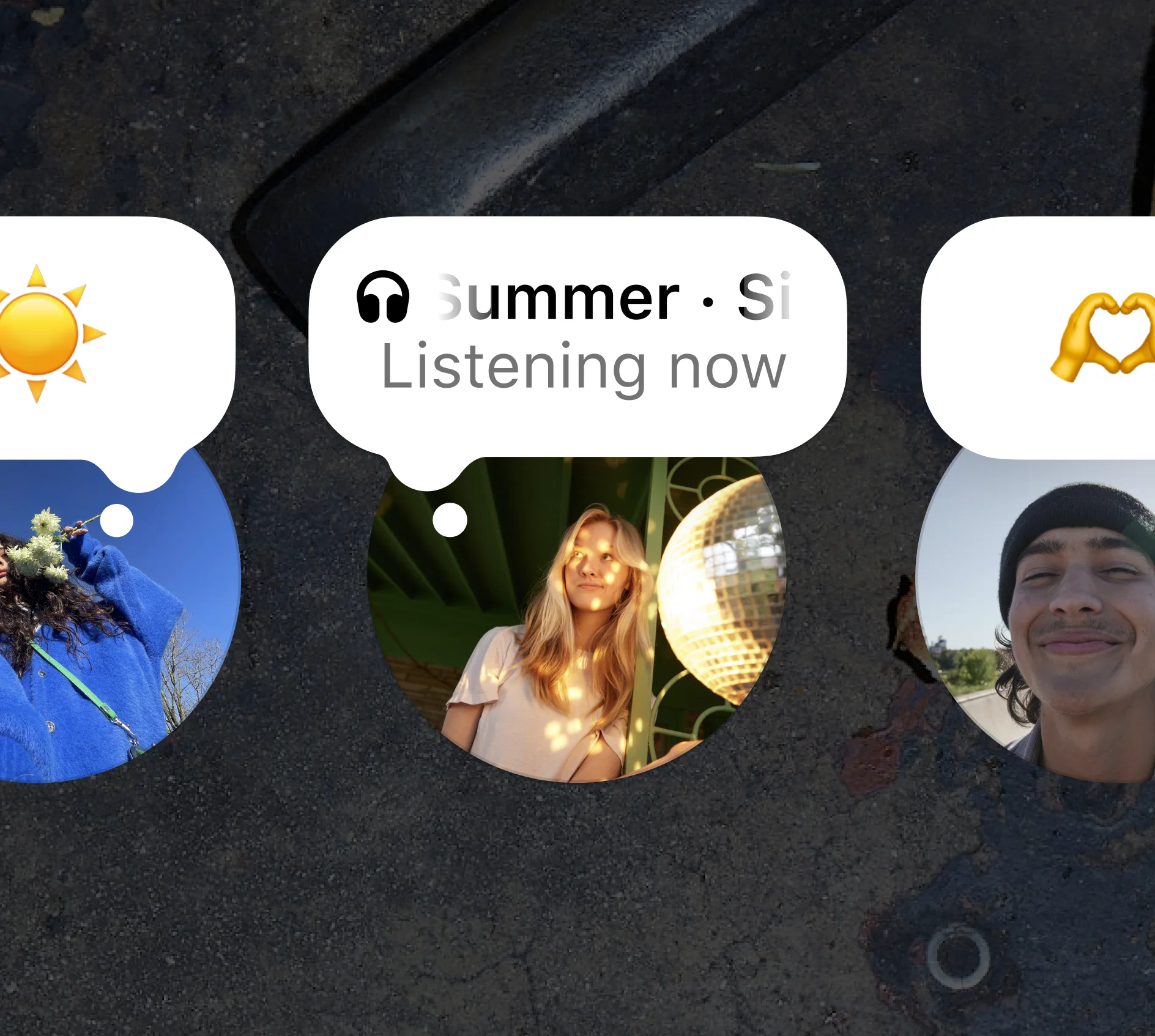
With Instagram Notes, you can quickly share short but powerful messages right in your DMs. Whether you want to give a sneak peek into your day, promote your small business, or chat with friends, Notes are perfect for spicing up your content and keeping your audience engaged.
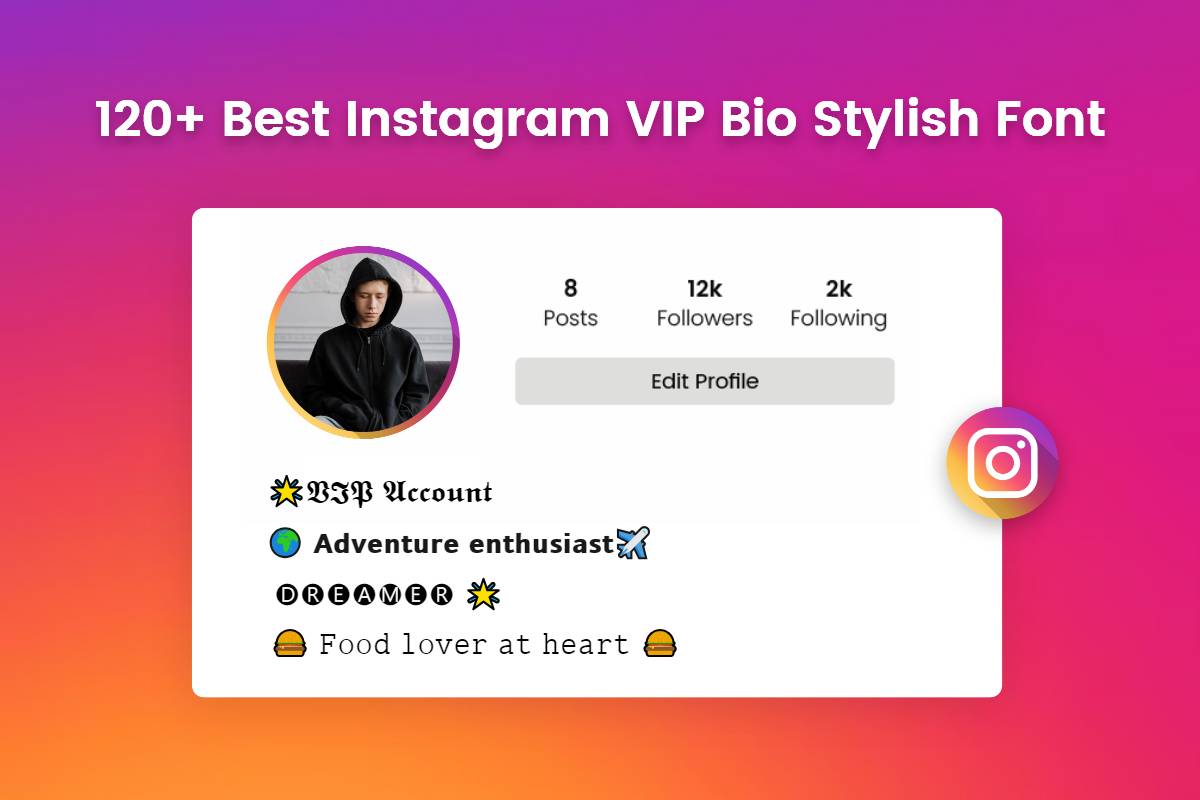
Express yourself with Instagram Notes
The Instagram Notes feature lets you connect with your followers in a fun and laid-back way. You can shoot short messages straight to your mutual followers or Close Friends list, making it easy to share quick updates, ask questions, or spark connections with your friends with no pressure. Unlike Stories that are all about the visuals, Notes focus on short and sweet conversations. Think of messages like 'Today I’m all about good vibes!' or questions like 'What’s a book you can’t put down?' to get your followers engaging with you.
To create a Note on Instagram:
• Access your profile picture at the top of your DMs, which has an option that says “Leave a note” or a + icon.
• Tap on your profile picture or the + to start creating a note.
• Type your message (up to 60 characters, text and emojis only).
• Select who can see your note: either your mutual followers or your Close Friends list.
• Tap “Share” to post your note!
Your Notes will appear at the top of your friends’ DMs for 24 hours. Your friends can reply to your note, and their responses will show up as direct messages in your inbox. You can also delete your note at any time by tapping your note and selecting the delete option.
Instagram Notes are all about building a community and letting your true self shine.
Spark creativity and get noticed with creative prompts
There are many clever ways to spark engagement with your followers using IG notes. Here are some ideas:
1. Ask questions to your friends
You can ask fun questions, run polls, or share “Ask me anything” prompts to engage with your followers and encourage them to reply.
2. Share daily affirmations to inspire and motivate your followers
Feel free to share more personal reflections for your friends to get a deeper look into your day-to-day thoughts. Share daily affirmations to inspire others, or quotes that resonate with you. Emojis can make your Note pop and express your mood or message quickly.
3. Quote your favorite celebrity, movie, music lyrics, or book!
Share memorable quotes from your favorite flicks or books to kick off conversations among fans. Think of lines like 'To infinity and beyond!' or 'It does not do to dwell on dreams.' Keep it light with trivia or jokes, like 'Why did the bicycle fall over? Because it was two-tired!' Challenge your followers with riddles for extra fun.
Using these ideas in your Instagram Notes can create an exciting vibe and strengthen connections with your followers. Let your creativity shine!
Spotify Listening Now on Notes
If you love to share music recommendations to your friends, we’ve now included Spotify in your IG Notes. You can link your Spotify account to Instagram and share what you’re listening to in real time directly to your Notes.
To share music from Spotify:
• Create a Note in your Instagram DMs.
• Tap the music icon (🎵).
• Link your Spotify account if prompted.
• Tap “Share from Spotify” while music is playing.
• Add a caption (optional) and share!
Your Note will automatically update to show the song you’re currently playing on Spotify. If you stop listening, it will update the next time you play a song within 30 minutes. There are also special moments where listening to certain artists on Spotify will trigger unique effects in Notes.
This is a dynamic, real-time way to share your taste and chat with friends who might love the same song as you!